Creating first project
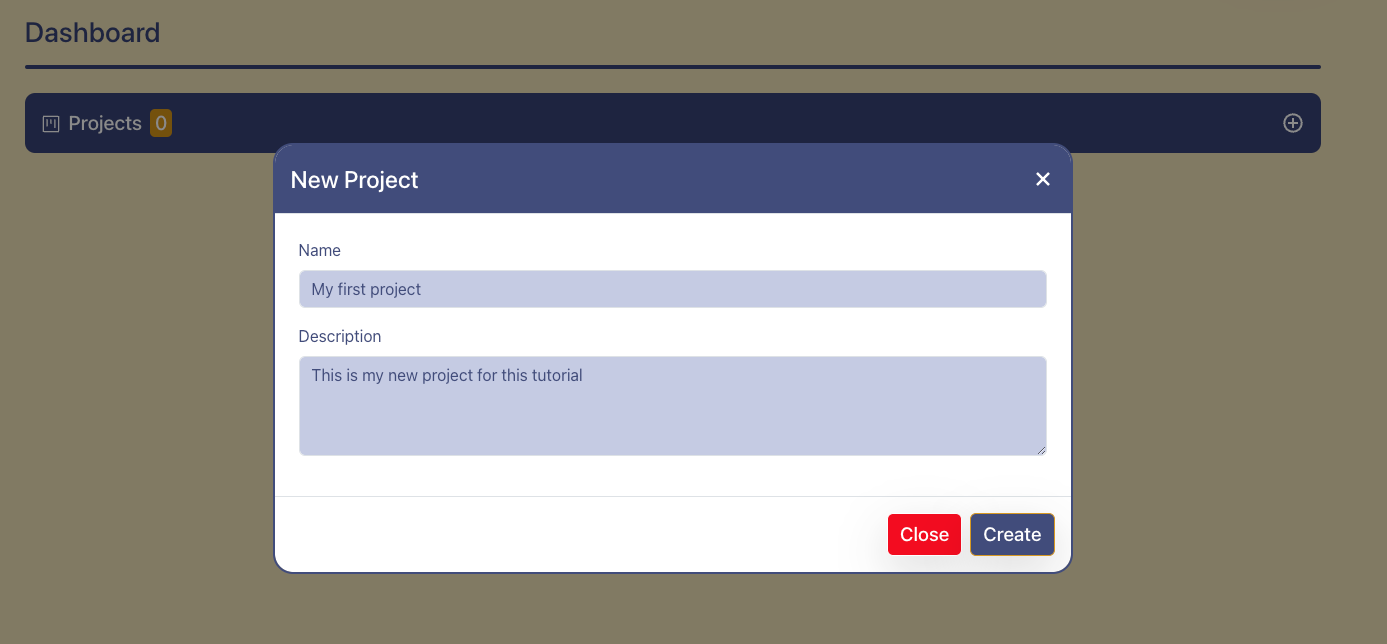
On the project dashboard click on + icon button in the project panel to create a new project. This will open a popup asking you details about your new project:
Name: provide a meaningful name to your project, this can be updated later if necessary
Description: provide a relevant description about your project, this can be updated later if necessary
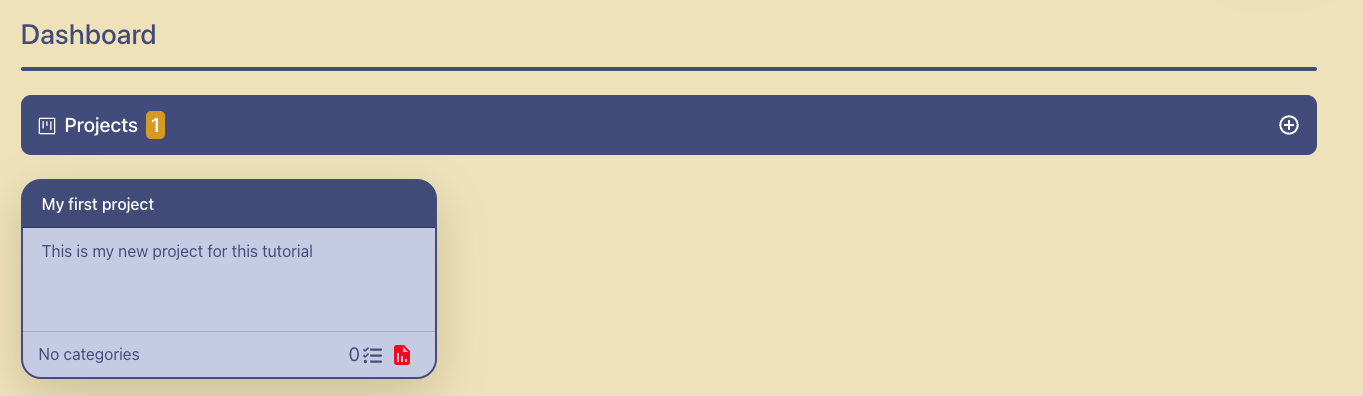
Click on the blue Create button in the popup to create your first project. You will see the project card is displayed with some summarized details about your project and the project panel shows the total number of projects you’ve created so far, this case it would be from 0 to 1.