Executing query
Now that you’ve created a draft query, in order to preview search results:
Ensure you’ve added the query text manually or through querybuilder.
Set a meaningful name to this query in the name textbox.
Populate date range if necessary and select the checkbox if populated.
Click on + button to add databases to your query, this will show you a dropdown containing the list of databases that are supported.
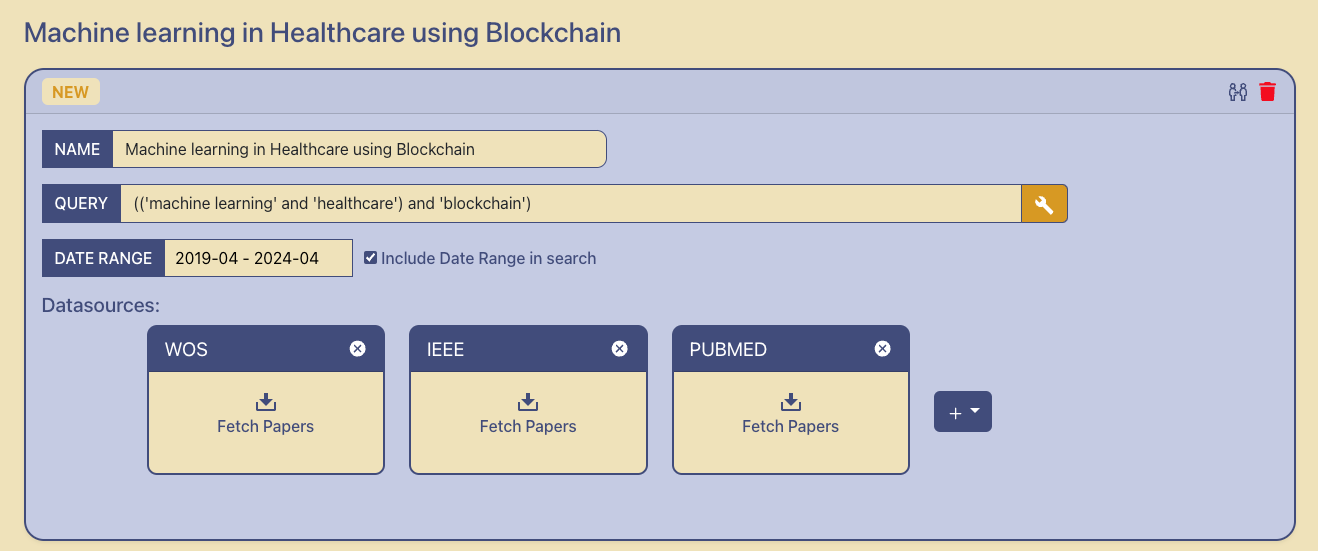
5. Once added this will create cards of the databases, you can click on the Fetch Papers button to run your search across each query. 6. Upon searching we can see the amount of results that are fetched by each of the databases.
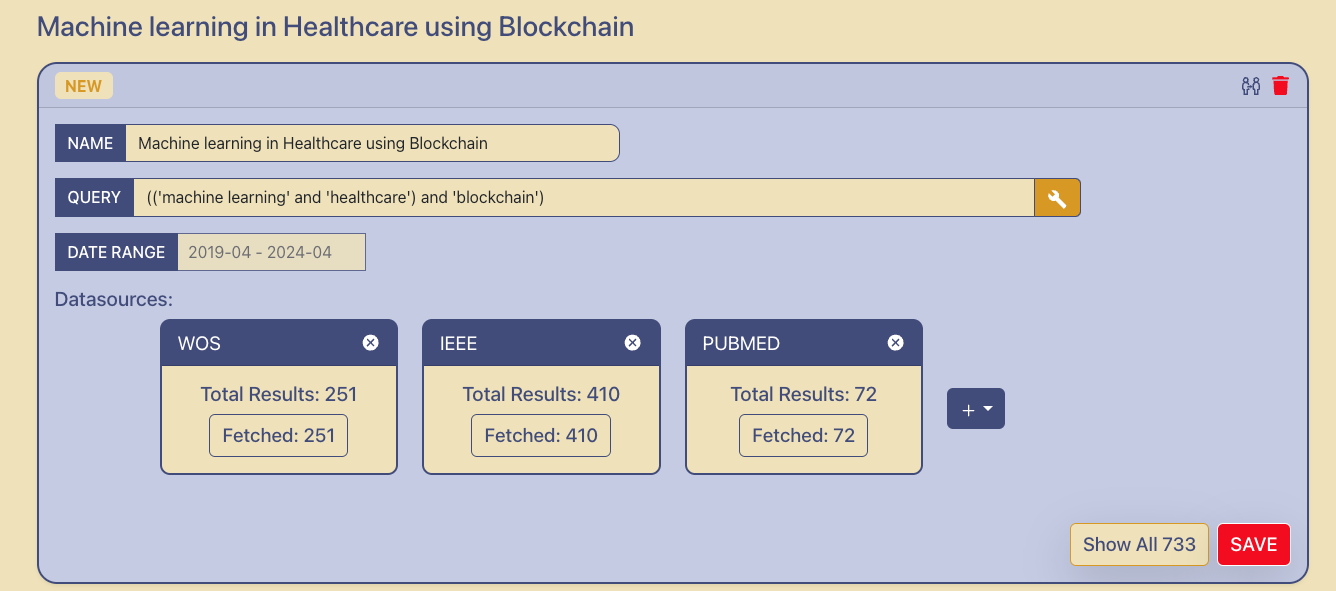
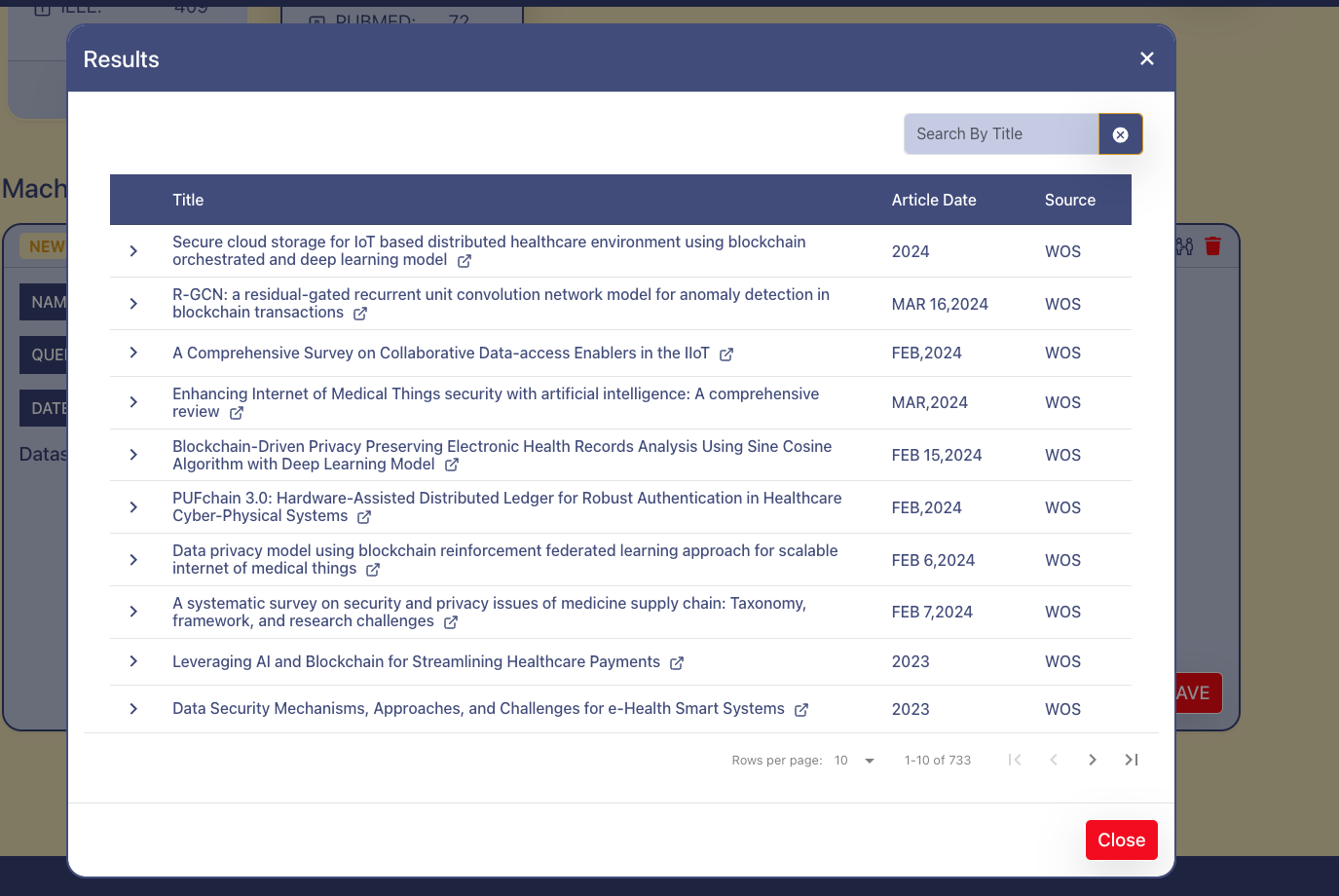
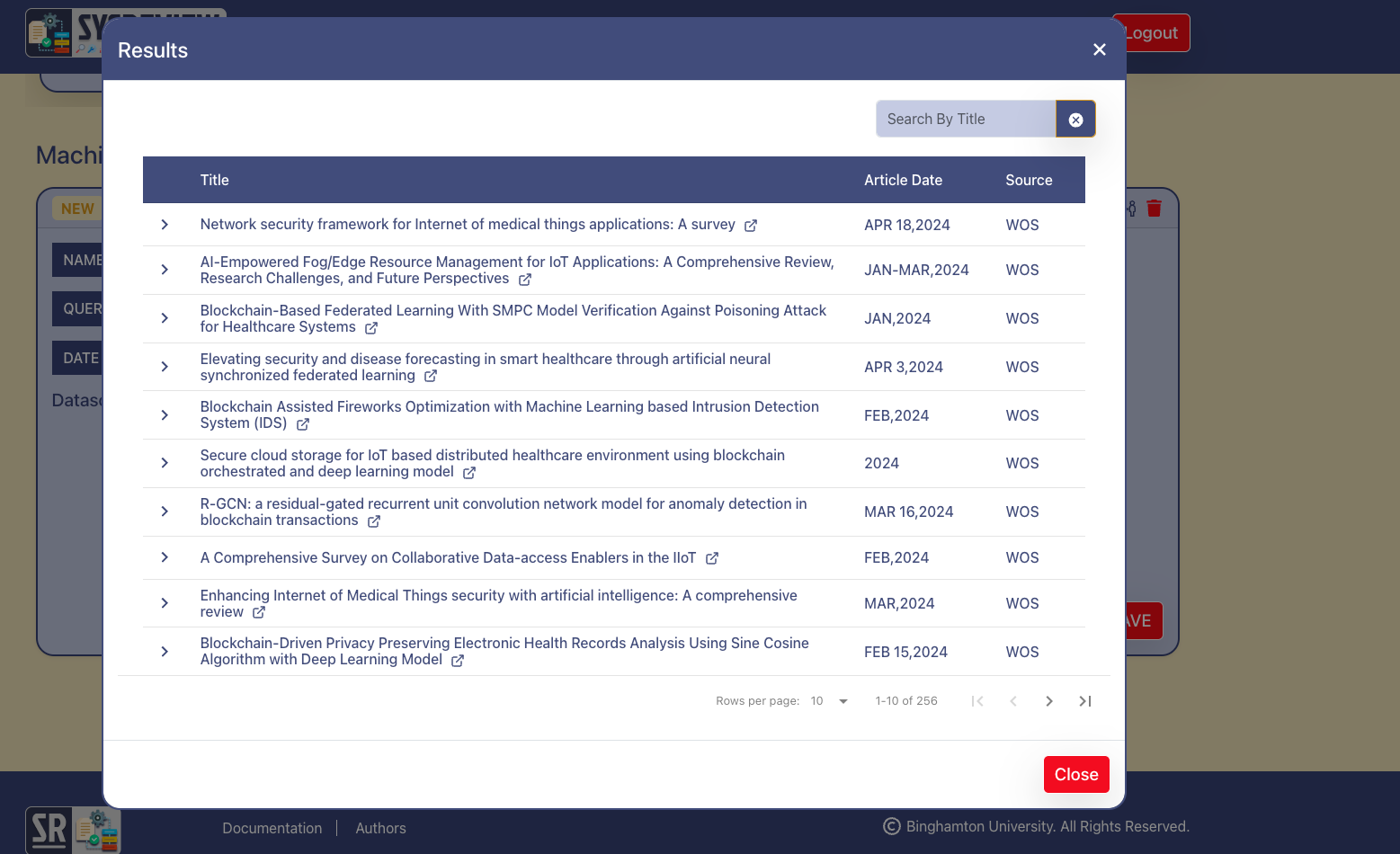
7. If you click on any of the Fetched buttons inside the database card, you will see the search results for this particular query against that particular database.
8. You can also see the combined results by clicking on the Show All button, this could also contain duplicate results, because some research papers could be common across different databases based on the query.