Setting up account
To register an account, open SysReview where you will see a yellow Sign in button. Click it to open the login/registration view. By default it will show you the login view, you can provide your login credentials if you already have an account, or else you will see a hyperlink Register here click on that to open the registration view. It will ask you for few details:
Username: should be alphanumeric and unique that will be used to login.
Email: provide you email address, this also must be unique.
Password: should be alphanumeric that will be used to login.

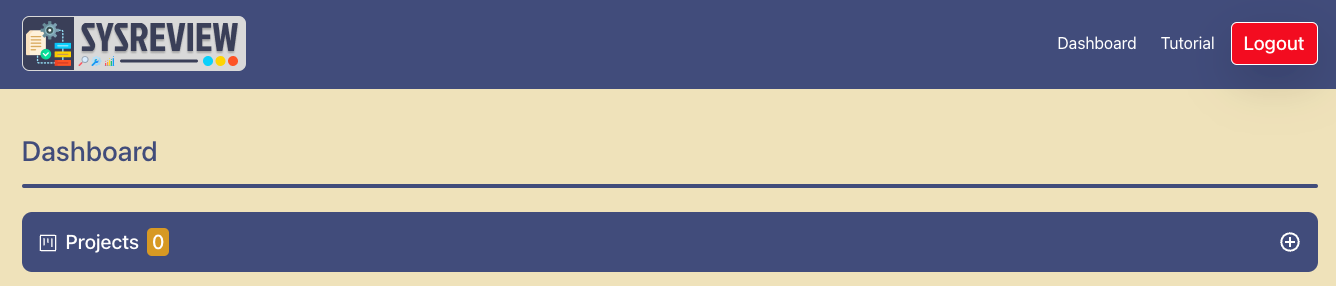
After that, click on the yellow Sign Up button, which will create your account on this system, if you receive any error make changes to above parameters accordingly. Upon successful registration you will be be taken to the dashboard view, with no projects setup.